!speed
The monster rotates 10% faster until it is defeated. The next monster returns to its usual speed.
Once per monster · does not stack
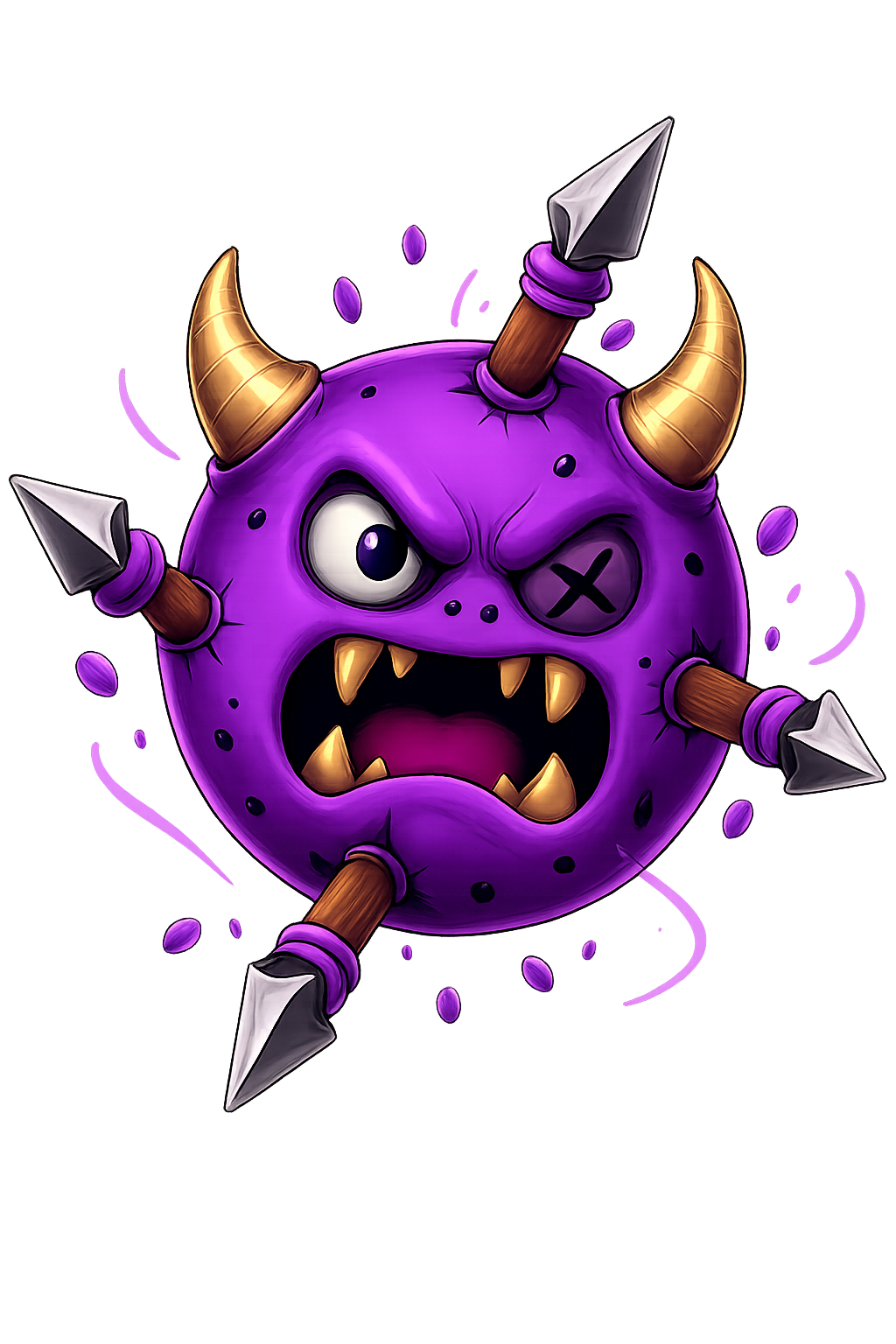 Target Beasts
A helping hand or an extra challenge? Send a command in Twitch chat and change your streamer's fight.

!bonusHit the bubble to earn 10 gold coins!
Your streamer must enable Twitch mode and the command.
Use a button below or type the command yourself.
Paste only the command in their channel's chat, during combat.
The buttons copy text. They do not send anything to chat on your behalf.
The monster rotates 10% faster until it is defeated. The next monster returns to its usual speed.
The streamer's spears deal 10% more damage to the current monster.
The screen darkens for the next two throws. Essential information and controls remain visible.
The camera shakes slightly until the next throw. A little extra concentration might help!

The streamer immediately receives 1 gold coin, added to their balance and saved.
A bubble containing a coin appears. The streamer must hit it with a spear to earn 10 gold coins.
!bonus does not grant gold automatically: the bubble must be hit. Missing it, or defeating the monster before collecting it, awards no coins.
Send only the command, without quotes or extra text.
!boostCommands are not case-sensitive: !BOOST works too. When an interaction is accepted, your username and its effect appear in the game.
If someone uses !gold, the whole chat waits before the next coin can be granted. Each command has its own cooldown. Repeating a message does not shorten it.
They can disable a command or increase its cooldown. The values shown here are the game's defaults or minimum limits.
Commands are ignored in menus, while paused, after defeat and in collection bonus levels. They are not queued for later.
Temporary effects end when the monster is defeated. !speed and !boost become available for the next one; other cooldowns keep running.
Check the spelling and send only the command. The streamer must be connected to this channel's chat and fighting. The command may be disabled, on cooldown or already used for this monster. Only accepted interactions are displayed.
No. You only need to be able to write in the channel's Twitch chat. No paid subscription or Channel Points are required. Any restrictions set by the channel still apply.
Send one command per message. Different effects can coexist, but each follows its own cooldown and limits. There is no need to repeat messages.
Connect your channel and choose your community's interactions.