Open Twitch mode.
- Launch Target Beasts and return to the main menu.
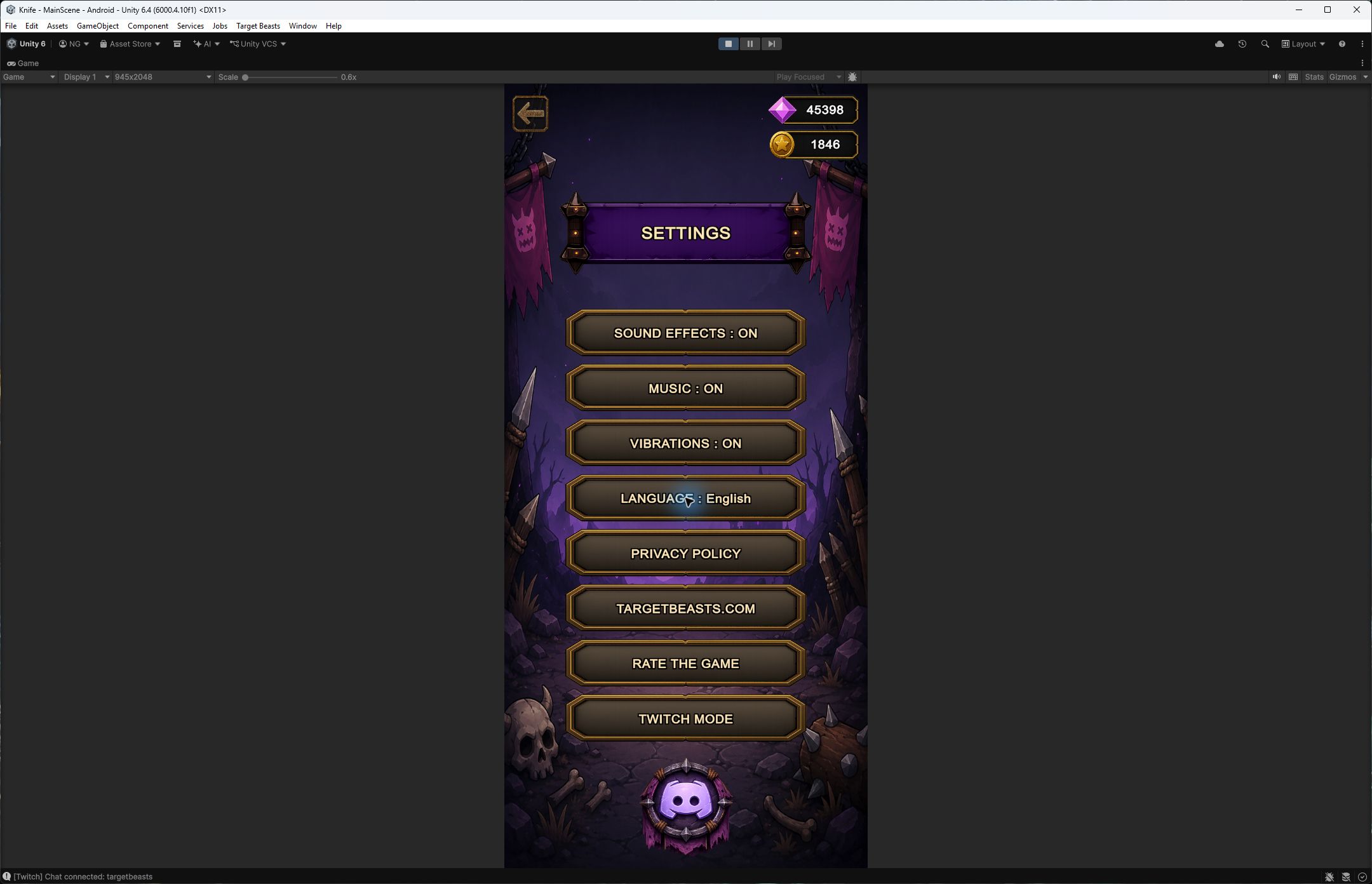
- Tap the settings icon.
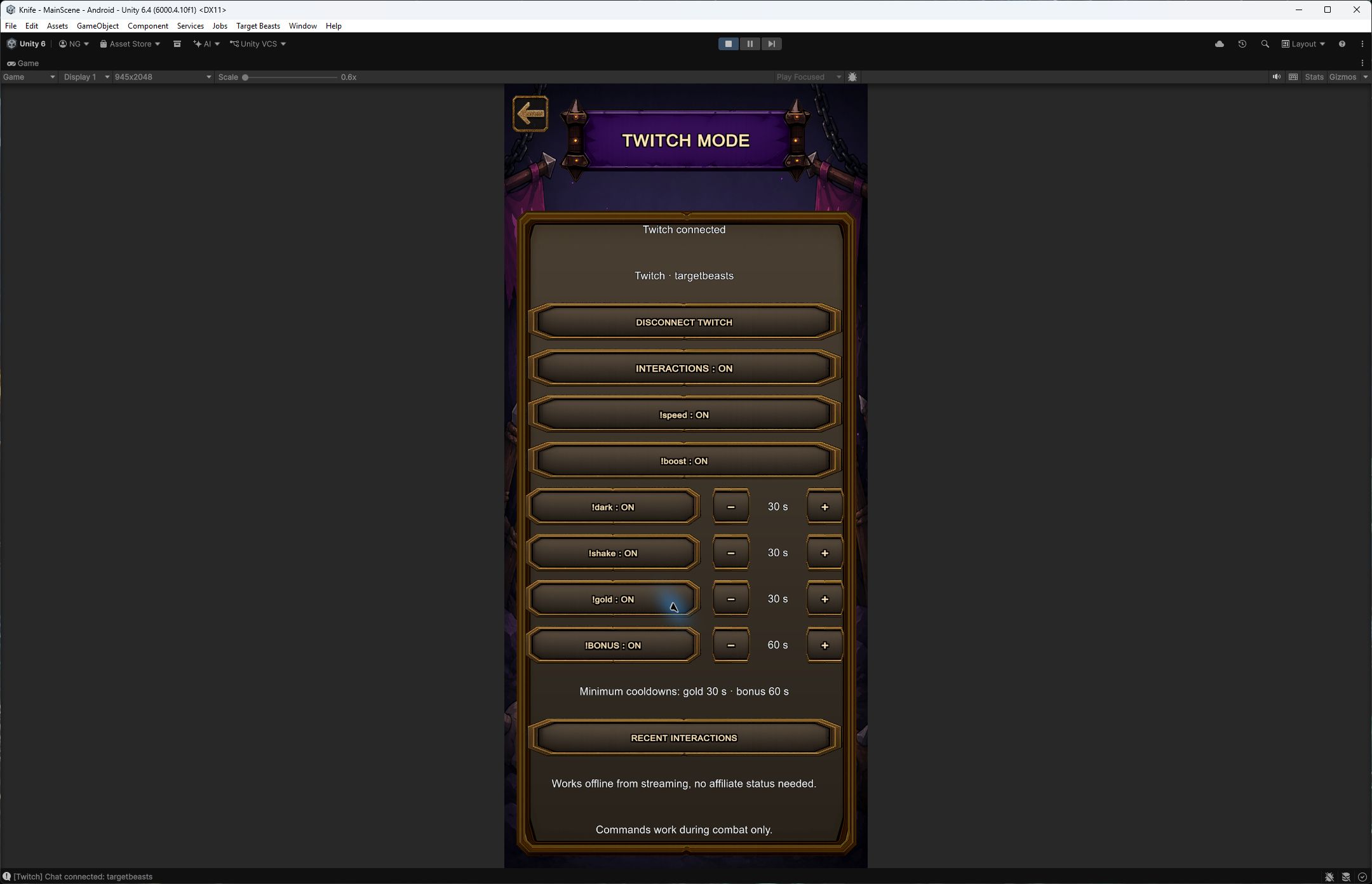
- In Settings, tap Twitch Mode.
You do not need a developer application, a Client ID or a server. Twitch connection is already built into the game.

Let viewers speed up the monster, boost your damage or send you a gold bubble. It all starts in the game settings.


!boost+10% damage until the current monster is defeated.
You need a game version with Twitch mode, an Internet connection and your Twitch account.
You do not need a developer application, a Client ID or a server. Twitch connection is already built into the game.

Your password stays on Twitch. The game only requests permission to read chat. The code button can reopen the activation page.

Set Interactions: ON, then choose which commands your chat can use. Each command has its own switch.
The − and + buttons adjust global cooldowns. These are shared by all viewers, not counted separately for each person.
A changed cooldown applies to the next activation. It does not shorten a cooldown already in progress.
Play in normal mode or Skull 1. Send !boost in your own channel's Twitch chat. Your username and the effect appear in the middle of the game screen, with a chime if sound effects are enabled.
Your account must be connected and interactions enabled. You can send commands yourself to check everything before starting your stream.
Use chat on a PC or another device if opening Twitch on your phone pauses the game. Commands received while paused are not saved for later.
Check “Twitch connected”, “Interactions: ON” and the command's switch. Send only the command in the connected channel's chat, during combat. A cooldown, an effect already in use, a menu, a pause or a collection bonus level can prevent it from running. Rejected commands do not show a notification.
Make sure your version of Target Beasts includes this feature. Older installations do not contain the new menus. Update the game when this version becomes available.
The game tries to reconnect after a network interruption without stopping your fight. If your session expires, reconnect your account from this menu. Messages missed during an outage are not replayed.
No. It connects chat to game interactions. Continue streaming your phone screen using your usual setup. Connecting Twitch in Target Beasts does not start a live stream.
Return to Settings → Twitch Mode. Turn Interactions OFF to disable commands, or use Disconnect Twitch before connecting another account.
Share the commands and let your community choose the next effect.